Ideas, styles, and prompts
Photo animation prompts: describe motion, camera and sound
Describe what changes in the photo, how the camera behaves and what the moment feels like. A useful first prompt usually needs one subject action, one camera instruction and a small amount of atmosphere. The source image already supplies much of the visual information.
By Peelaway · Updated · Sources checked
Peelaway motion examples. Open a clip to watch it and see its source image. These silent catalog previews show a creative direction; new Moments can include ambient sound.
Use a short motion brief
[Subject] makes [one visible movement], then [resting point]. The camera [one movement or stays still]. [Light and atmosphere]. Hear [a fitting ambient sound, if supported].
Replace the brackets with concrete choices. “The person glances toward the window and settles” is easier to review than “make it emotional.” Camera movement and subject movement are separate decisions; begin by keeping one of them still.
Six directions to try
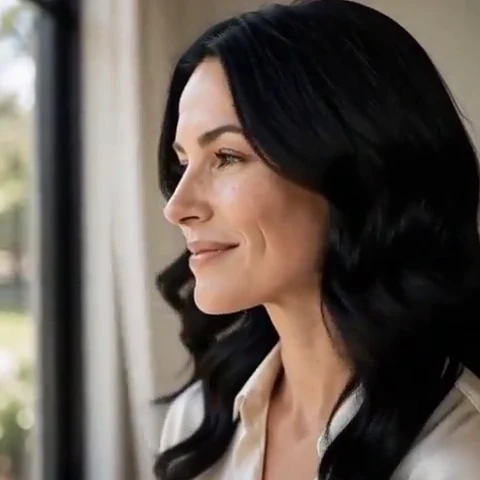
A small smile appears as the person looks toward the camera. The camera slowly moves closer, stopping at a medium close-up. Soft window light and quiet room ambience.
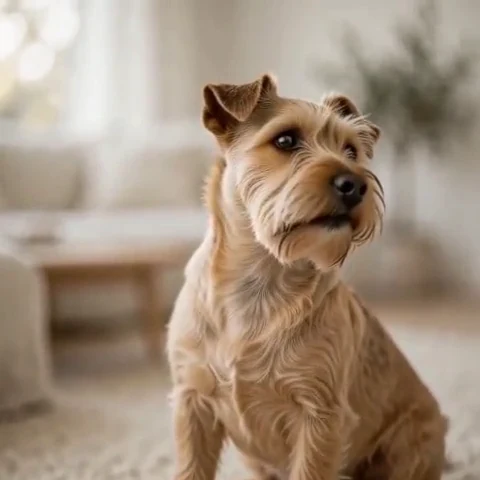
The seated dog tips its head once and pauses. Keep the camera still and the body relaxed. Natural daylight and a faint rustle of fur.
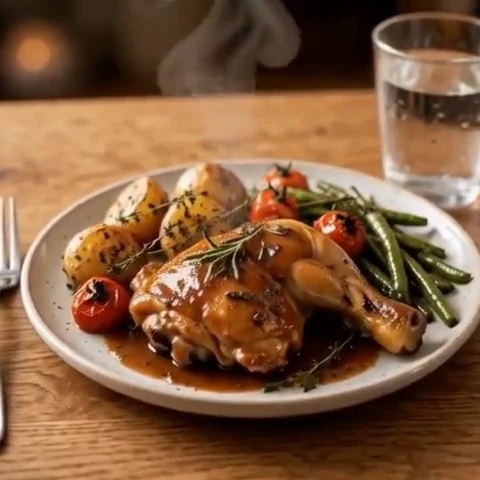
A thin curl of steam rises from the bowl and disperses. The bowl and table remain still. Gentle side light and quiet kitchen ambience.
The two people lean slightly toward each other and share a smile. A small sideways camera drift, warm evening light and soft outdoor ambience.
A wave reaches the sand and recedes. Keep the horizon steady while the camera moves a little closer to the shore. Pale dawn light and the sound of water.
The leaves beside the window stir in a light breeze. The camera remains fixed. Warm afternoon light shifts gently across the room, with faint fabric movement.
Change the prompt to match the input
With a photo, spend most of the prompt on motion. With an idea alone, add the subject, setting and composition first: who is there, where they are, and what the opening frame shows. A style instruction such as clay miniature or watercolor also needs a clear subject to act on.
Repair contradictions before adding detail
| Problem | Why it is hard to judge | Try instead |
|---|---|---|
“Static camera, dramatic orbit” | Two incompatible camera instructions | “Locked camera” or one small arc |
“Smile, run, wave and change outfits” | Several actions and an appearance change compete | One small smile while staying seated |
“Keep everything identical; turn into clay” | Preservation and restyling conflict | Choose a clay source image first, then animate it |
“Silent room with loud music and narration” | Conflicting sound goals | Quiet room tone |
Judge the prompt against the result
Write down the action you expect before generating. Watch for whether it happens, whether the subject remains recognizable and whether the camera ends in a useful composition. Change one instruction for the next take. This makes revision informative even when results vary.
Adapt to the model you are using
Model and app controls differ. A reference upload, a storyboard or a negative-prompt field is not enabled simply by naming it in prose. Use the matching model guide to check the supported workflow; in Peelaway, write the brief as your own Moment or choose an existing curated motion.
MiniMax H3 prompt and style guide
Moments product and current options
Sources
Bring a photo to life
Pick a curated Moment or write your own. Start with a photo, an idea, or both.
Browse momentsKeep exploring
How to bring a photo to life with a short clip
Turn a photo into a short clip with ambient sound. Choose a suitable source, pick or write a Moment, and review motion and likeness before sharing.
How to make a short video from an idea
Turn a written idea into a short Moment. Establish the subject, scene and one action, then review framing, movement and ambient sound.
How to animate a pet photo without losing its character
Turn a dog or cat photo into a short clip. Choose a useful pose, direct subtle movement and check ears, paws and markings before sharing.