Ideas, styles, and prompts
How to make a short video from an idea
Describe a subject in a place, then give that scene one thing to do. In Peelaway Moments you can start with an idea without uploading a photo. Add a photo when a particular person, pet, object or setting needs to anchor the result.
By Peelaway · Updated · Sources checked
Peelaway motion examples. Open a clip to watch it and see its source image. These silent catalog previews show a creative direction; new Moments can include ambient sound.
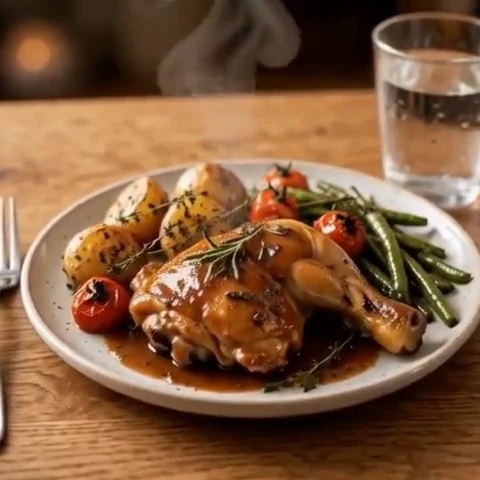
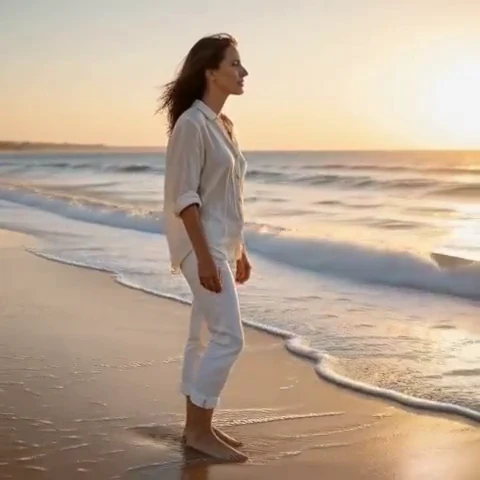
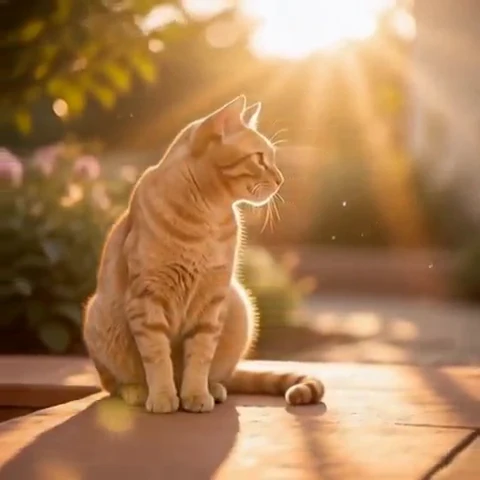
Write the opening frame first
An idea-only request has to supply information that a photograph would normally provide. Begin with the subject, setting and composition: a ceramic cup on a windowsill, a traveler beside a lake, or a clay fox at a small table. Keep the cast and props simple enough to understand immediately.
A handmade blue ceramic cup on a wooden windowsill beside a small fern, early morning. A curl of steam rises from the cup while a leaf stirs. The camera stays still; soft window light and faint outdoor birds.
Choose one change over a few seconds
A short clip needs a small complete action, not an entire story. A glance, a ripple or a candle flicker can have a beginning and a finish. A person arriving, unpacking, cooking and leaving asks for several scenes; split the idea into separate creative decisions rather than expecting a timeline editor.
A miniature clay fox sits at a tiny breakfast table and lifts a small cup slightly, then sets it down. Matte orange clay and warm cream light. The camera stays at table height with soft room ambience.
A wide landscape view of a quiet mountain lake at dawn. Low mist drifts behind a reed in the foreground. The camera moves very slowly forward; pale peach light and soft wind.
Decide when to add a photo
| What matters | Starting point | What to review |
|---|---|---|
A real person or pet | Photo plus a short idea | Likeness and visible details |
An imagined scene | Idea alone | Subject, composition and movement |
A specific product | Clear product photo plus restrained motion | Shape, label and material accuracy |
A visual medium such as clay | A styled source image or an explicit idea | Texture staying consistent across frames |
Frame the idea for Moments
Idea-only Moments use a landscape frame. Compose the scene around that shape instead of promising a vertical social-video layout. Choose a curated Moment that fits the action or write your own direction. The creation screen shows the quality and length available to your account.
Review the first result deliberately
- Pause on the opening frame: is it the scene you asked for?
- Watch the change: does the action finish without introducing distracting objects or cuts?
- Listen to the sound: does it support the scene rather than inventing unwanted dialogue?
- Check the final frame: is it a useful place for the clip to end?
If the scene is wrong, revise the subject and setting. If the scene is right but the action is wrong, keep the setup and revise only movement. Avoid changing every part of the idea at once.
Understand the current output choices
Moments makes short clips with ambient sound. Current free clips are 5 seconds at Low quality with a watermark. Paid options support Low and Sharp quality; available length depends on the offer or existing plan. Use the live plan page for current entitlements rather than assuming every account has the same duration.
Choose a visual style for a source image
Sources
Bring a photo to life
Pick a curated Moment or write your own. Start with a photo, an idea, or both.
Browse momentsKeep exploring
How to bring a photo to life with a short clip
Turn a photo into a short clip with ambient sound. Choose a suitable source, pick or write a Moment, and review motion and likeness before sharing.
Photo animation prompts: describe motion, camera and sound
Write a clear photo-to-video prompt with one action, a camera instruction and atmosphere. Copy original recipes and learn how to repair conflicting directions.
How to animate a pet photo without losing its character
Turn a dog or cat photo into a short clip. Choose a useful pose, direct subtle movement and check ears, paws and markings before sharing.