Ideas, styles, and prompts
Wan 3.0 video prompts: image references, motion and style
Choose the Wan workflow before writing the prompt. Generating a scene from text, animating a first frame and following references place different responsibilities on your words. Describe what changes in an existing image; describe both the scene and the change when starting from text.
By Peelaway · Updated · Sources checked
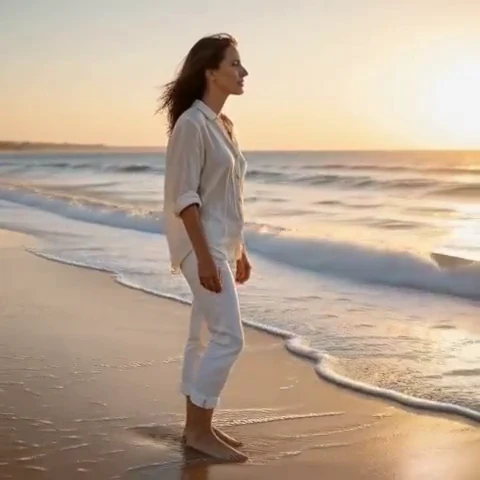
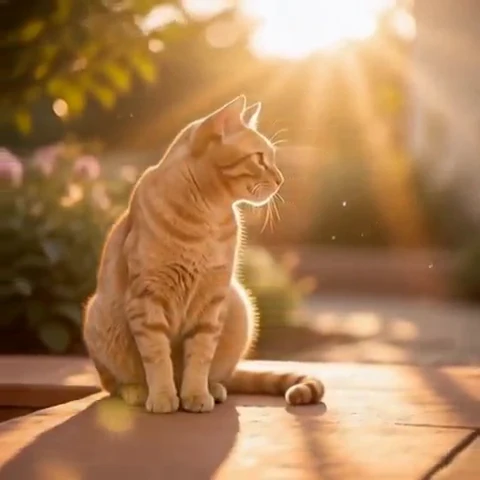
Peelaway motion examples. Open a clip to watch it and see its source image. These silent catalog previews show a creative direction; new Moments can include ambient sound.
Choose the model and workflow
Alibaba’s model inventory lists Wan 3.0 alongside separate Wan 2.7 text, image and reference workflows. Model identifiers and controls differ by task. A hosted Wan 3.0 tutorial should not be treated as instructions for an older local checkpoint or a differently configured third-party host.
Wan 3.0: official documentation and examples
Build the shot
Start by recording the exact model ID and input mode. Use a short shot description to check the composition, then refine motion. If you use first and last frames, keep the endpoints compatible in subject scale, camera angle and setting. Add reference assets only through controls exposed by the chosen mode.
- In text-to-video, describe subject, setting and composition before action.
- In image-to-video, keep the prompt focused on a small change and camera behavior.
- When a camera move reveals unseen surfaces, inspect the newly invented geometry rather than judging only the first frame.
Six prompt and visual-style ideas
These are original prompt suggestions to adapt, not a benchmark or a record of outputs generated on this model. Replace the subject and use settings supported by your selected mode. The Peelaway previews on this page illustrate creative directions separately.
1. Cinematic observation
A cinematic wide shot of a ceramic artist beside a workbench. The artist lifts a finished bowl and turns it slightly toward the window. A slow lateral slide and cool daylight.
2. Home-movie warmth
Animate the supplied porch photograph with a small shared smile and a light breeze in the clothing. Fixed framing, faded home-movie color and soft late-afternoon shadows.
3. Handmade miniature
A tiny clay fox folds a paper map on a miniature wooden table. Matte orange clay, visible finger marks and warm studio light. The camera remains still.
4. Illustrated movement
A hand-drawn coastal scene in pale ink and watercolor. A fishing flag flutters while the boat remains moored. Preserve loose ink contours and transparent washes as the flag moves.
5. Food and product detail
A close shot of a ripe peach on folded linen. A leaf beside it lifts slightly in the breeze. Side light, natural skin texture and a fixed camera; the peach stays intact.
6. Atmosphere and place
Animate the supplied forest view with a gentle forward drift along the path. Mist passes behind the nearest tree. Preserve the trunks and path direction, with restrained blue-green color.
Repair an overloaded prompt
An unclear starting request:
The camera orbits the room, zooms in and changes to a bird’s-eye view.
A more specific version to try:
The camera slides slowly to the right at the original eye level. The seated person turns one page. Keep the room layout and the distance to the subject consistent throughout.
A single camera path makes spatial errors easier to identify. Check straight edges in the room and whether the book changes shape as the page turns.
Review the result before sharing
- Watch once for the whole action, then pause at the beginning, middle and end. Look for changing anatomy, objects and background geometry.
- Check the visual treatment over time: paper should remain paper, clay should remain clay, and faces should stay recognizable.
- If audio is present, listen separately for unintended speech or a sound that does not belong. Keep only a result whose motion and sound serve your purpose.
Try a related direction in Moments
For a short clip in Peelaway, choose a curated Moment or describe your own, then start with a photo, an idea, or both. Adapt one action from the recipe instead of importing a multi-shot editing workflow. The examples here are Peelaway catalog previews, not evidence of this external model’s output.
How to describe photo animation
Sources
Bring a photo to life
Pick a curated Moment or write your own. Start with a photo, an idea, or both.
Browse momentsKeep exploring
Photo animation prompts: describe motion, camera and sound
Write a clear photo-to-video prompt with one action, a camera instruction and atmosphere. Copy original recipes and learn how to repair conflicting directions.
How to make a short video from an idea
Turn a written idea into a short Moment. Establish the subject, scene and one action, then review framing, movement and ambient sound.
How to bring a photo to life with a short clip
Turn a photo into a short clip with ambient sound. Choose a suitable source, pick or write a Moment, and review motion and likeness before sharing.