Ideas, styles, and prompts
LTX-2.3 video prompts: motion, portrait framing and visual styles
Write an LTX shot as a compact piece of direction: what is visible, what changes, how the camera behaves and what sound belongs there. Before comparing prompts, keep the model checkpoint and workflow settings consistent so a settings change is not mistaken for a wording improvement.
By Peelaway · Updated · Sources checked
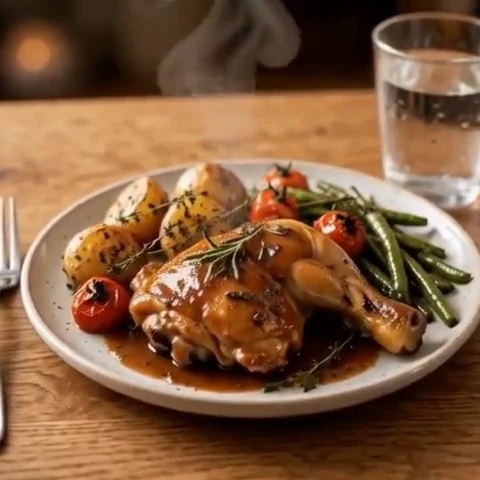
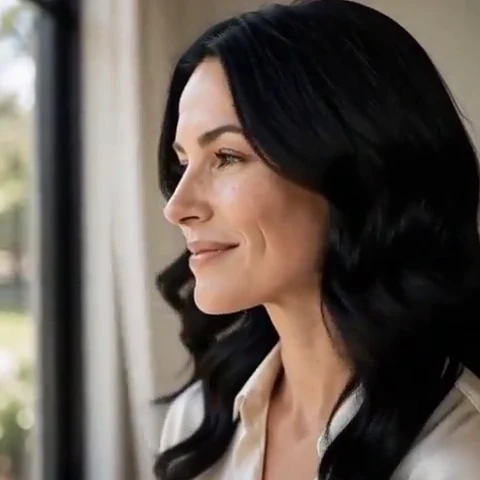
Peelaway motion examples. Open a clip to watch it and see its source image. These silent catalog previews show a creative direction; new Moments can include ambient sound.
Choose the model and workflow
LTX’s 2.3 model page describes synchronized audio/video, portrait output and text, image and audio inputs. Hosted APIs and local workflows expose different controls and resource requirements. Record the checkpoint and workflow you use rather than assuming all LTX examples share the same setup.
LTX-2.3: official documentation and examples
Build the shot
For a portrait clip, place important action in the central vertical area before generation. Describe a plausible performance with an opening pose and finishing pose. Keep resolution, frame rate and inference settings fixed while refining the prompt; only then evaluate a different workflow configuration.
- Record the exact model variant and whether the workflow is hosted or local.
- Fit hand and body movement inside the selected composition.
- For audio-led work, inspect whether visible motion aligns with the supplied or requested sound.
Six prompt and visual-style ideas
These are original prompt suggestions to adapt, not a benchmark or a record of outputs generated on this model. Replace the subject and use settings supported by your selected mode. The Peelaway previews on this page illustrate creative directions separately.
1. Cinematic observation
A vertical cinematic medium shot of a ceramic artist wiping their hands on an apron. The hands remain below shoulder level. Warm side light, fixed camera and a soft brush of fabric.
2. Home-movie warmth
Two adults on a porch share a small smile. Warm faded film colors, gentle handheld drift and a brief quiet laugh; both faces remain visible throughout.
3. Handmade miniature
A miniature clay rabbit lifts one paw to wave and sets it down. Matte sculpted fur and soft tabletop light. Fixed camera, a tiny rustle and an unhurried pace.
4. Illustrated movement
A watercolor scene of a sailboat near the shore. The sail fills gently and the boat shifts a little on the water. Keep paper grain and loose painted contours, with a faint breeze.
5. Food and product detail
A close shot of coffee poured into a plain cup. The stream narrows and stops; the cup stays still. Warm reflected light and a gentle pouring sound.
6. Atmosphere and place
A vertical view through tall pine trees. The nearest branch bends slightly as fog moves behind it. Slow upward camera drift and soft wind in the canopy.
Repair an overloaded prompt
An unclear starting request:
A wide crowd scene in a vertical close-up with every person fully visible.
A more specific version to try:
A vertical medium shot of one baker at a counter. The baker dusts flour from both hands below shoulder level and smiles. Keep the hands and face inside the frame. Soft morning light and quiet kitchen ambience.
The repair makes subject count and framing compatible. Review the edges of the frame for clipped hands before deciding whether more prompt detail is needed.
Review the result before sharing
- Watch once for the whole action, then pause at the beginning, middle and end. Look for changing anatomy, objects and background geometry.
- Check the visual treatment over time: paper should remain paper, clay should remain clay, and faces should stay recognizable.
- If audio is present, listen separately for unintended speech or a sound that does not belong. Keep only a result whose motion and sound serve your purpose.
Try a related direction in Moments
For a short clip in Peelaway, choose a curated Moment or describe your own, then start with a photo, an idea, or both. Adapt one action from the recipe instead of importing a multi-shot editing workflow. The examples here are Peelaway catalog previews, not evidence of this external model’s output.
How to describe photo animation
Sources
Bring a photo to life
Pick a curated Moment or write your own. Start with a photo, an idea, or both.
Browse momentsKeep exploring
Photo animation prompts: describe motion, camera and sound
Write a clear photo-to-video prompt with one action, a camera instruction and atmosphere. Copy original recipes and learn how to repair conflicting directions.
How to make a short video from an idea
Turn a written idea into a short Moment. Establish the subject, scene and one action, then review framing, movement and ambient sound.
How to bring a photo to life with a short clip
Turn a photo into a short clip with ambient sound. Choose a suitable source, pick or write a Moment, and review motion and likeness before sharing.