Ideas, styles, and prompts
Kling 3.0 video prompts: single shots, storyboards and styles
Decide whether you need one shot or a sequence before prompting Kling. A continuous portrait animation needs a stable camera and a small action; a storyboard needs explicit shot boundaries and continuity. Mixing the two instructions can make a simple idea harder to control.
By Peelaway · Updated · Sources checked
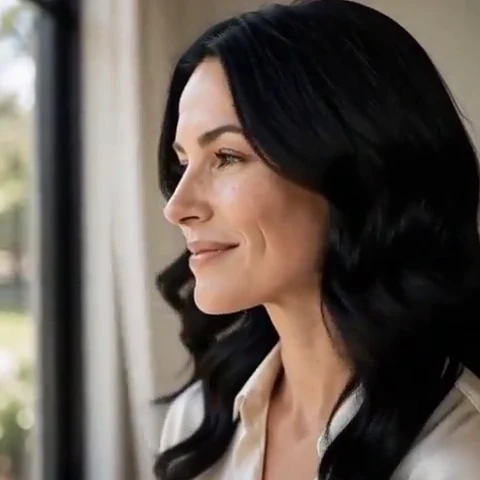
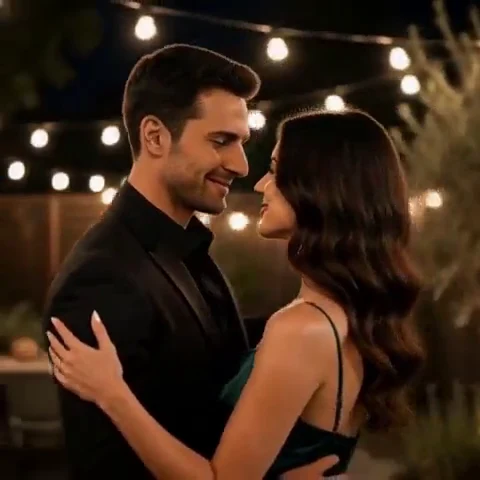
Peelaway motion examples. Open a clip to watch it and see its source image. These silent catalog previews show a creative direction; new Moments can include ambient sound.
Choose the model and workflow
Kling’s VIDEO 3.0 guide documents text/image generation, native audio, start/end frames, element references and multi-shot controls. VIDEO 3.0 and VIDEO 3.0 Omni are distinct options. The guide describes disabling Multi-Shot for a single shot; use the controls of your actual selected mode.
Kling VIDEO 3.0: official documentation and examples
Build the shot
For a single shot, write subject action and camera movement in one continuous description. For a sequence, assign an action and framing to each shot in the storyboard controls. Keep clothing, props and direction of movement consistent between shots. If you bind a subject reference, describe its role without asking the prompt to redesign it.
- Use single-shot mode for subtle portrait, pet and food motion.
- For a storyboard, sketch each shot in a sentence before expanding its visual treatment.
- If dialogue is necessary, identify the speaker and exact line; review audio timing rather than assuming it matches.
Six prompt and visual-style ideas
These are original prompt suggestions to adapt, not a benchmark or a record of outputs generated on this model. Replace the subject and use settings supported by your selected mode. The Peelaway previews on this page illustrate creative directions separately.
1. Cinematic observation
Single shot: an adult musician lowers a violin after the last note. A slow push-in at eye level; dark wood, warm practical lamps and soft cinematic contrast.
2. Home-movie warmth
Single shot: two friends at a backyard table raise their cups once. Gentle handheld drift and faded home-movie warmth; keep their faces in the same frame.
3. Handmade miniature
Single shot: a clay owl on a miniature branch blinks and turns its head slightly. Matte handmade surfaces, warm neutral backdrop and a locked camera.
4. Illustrated movement
Single shot: a cut-paper lighthouse scene with one paper wave sliding forward in the foreground. Visible paper edges, soft shadows and a fixed wide composition.
5. Food and product detail
Single shot: an unbranded glass perfume bottle stands on stone. A small camera arc reveals its side while a narrow light reflection travels across the glass.
6. Atmosphere and place
Shot one: a traveler pauses at a trail sign, medium view. Shot two: a close view of the same hand settling on the backpack strap. Keep the jacket, daylight and walking direction consistent.
Repair an overloaded prompt
An unclear starting request:
A single continuous close-up, then cut to a wide overhead shot.
A more specific version to try:
One continuous medium close-up. The person turns slightly toward the window and smiles. The camera remains at eye level with a slow push-in, ending before the face fills the frame.
The repair resolves an explicit conflict between a continuous take and a cut. If you actually need the overhead view, make it a separate storyboard shot.
Review the result before sharing
- Watch once for the whole action, then pause at the beginning, middle and end. Look for changing anatomy, objects and background geometry.
- Check the visual treatment over time: paper should remain paper, clay should remain clay, and faces should stay recognizable.
- If audio is present, listen separately for unintended speech or a sound that does not belong. Keep only a result whose motion and sound serve your purpose.
Try a related direction in Moments
For a short clip in Peelaway, choose a curated Moment or describe your own, then start with a photo, an idea, or both. Adapt one action from the recipe instead of importing a multi-shot editing workflow. The examples here are Peelaway catalog previews, not evidence of this external model’s output.
How to describe photo animation
Sources
Bring a photo to life
Pick a curated Moment or write your own. Start with a photo, an idea, or both.
Browse momentsKeep exploring
Photo animation prompts: describe motion, camera and sound
Write a clear photo-to-video prompt with one action, a camera instruction and atmosphere. Copy original recipes and learn how to repair conflicting directions.
How to make a short video from an idea
Turn a written idea into a short Moment. Establish the subject, scene and one action, then review framing, movement and ambient sound.
How to bring a photo to life with a short clip
Turn a photo into a short clip with ambient sound. Choose a suitable source, pick or write a Moment, and review motion and likeness before sharing.