Ideas, styles, and prompts
Grok Imagine 1.5 video prompts: photo motion, sound and styles
Anchor an image-led clip in a movement the source can support. If a pet is sitting in profile, a small ear or head movement gives you a clear result to inspect; asking it to sprint toward the camera requires the model to invent much more of its body and setting.
By Peelaway · Updated · Sources checked
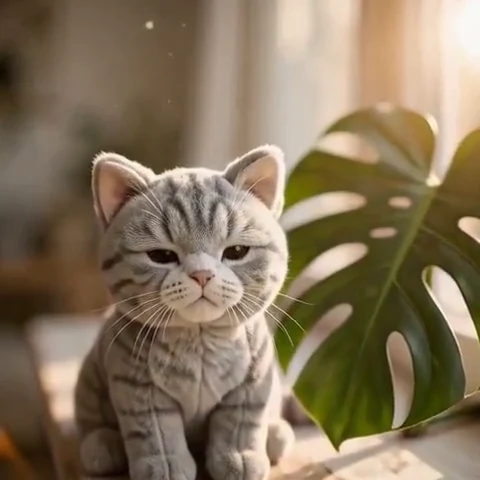
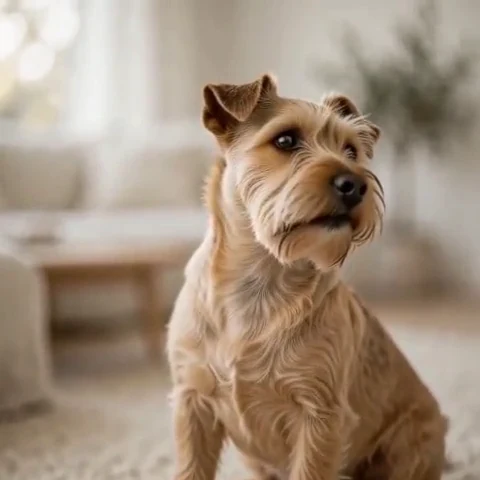
Peelaway motion examples. Open a clip to watch it and see its source image. These silent catalog previews show a creative direction; new Moments can include ambient sound.
Choose the model and workflow
The June 16, 2026 announcement introduces Grok Imagine Video 1.5 and a Fast variant, including image-to-video and generated audio. Access surfaces and model variants can expose different options. Identify the exact selected version when comparing results or reusing a prompt.
Grok Imagine Video 1.5: official documentation and examples
Build the shot
Describe the subject’s action with a beginning and an end. Add a camera instruction and a sound source only when they contribute to the scene. When testing variations, change one phrase so you can understand whether motion, framing or sound improved.
- Choose source photos with visible space around the moving part.
- Keep incidental sound tied to the visible action, such as fabric, paws or a glass touching a table.
- Inspect paws, fingers, mouths and repeated textures at the midpoint as well as the final frame.
Six prompt and visual-style ideas
These are original prompt suggestions to adapt, not a benchmark or a record of outputs generated on this model. Replace the subject and use settings supported by your selected mode. The Peelaway previews on this page illustrate creative directions separately.
1. Cinematic observation
A cinematic close view of a resting terrier on a rug. It raises one ear and turns toward an off-screen sound. Soft side light and a still camera, with faint room ambience.
2. Home-movie warmth
A family home-movie view of two adults laughing at a kitchen table. Gentle handheld drift, warm faded color and a brief natural laugh, with the table layout unchanged.
3. Handmade miniature
A clay penguin waddles one step on a miniature snowy platform and pauses. Matte handcrafted surfaces, soft studio light, fixed camera and a small footstep sound.
4. Illustrated movement
A painted seaside postcard comes gently to life: one flag flutters and a gull glides through the distant sky. Keep the paper texture and faded colors, with a soft coastal breeze.
5. Food and product detail
Close shot of a spoon stirring a small cup of hot chocolate once. Warm kitchen light and a fixed composition. A quiet ceramic tap ends the movement.
6. Atmosphere and place
A traveler stands beneath a rain shelter, watching drops fall beyond the roof. Slow push-in, cool gray light and clear rain ambience; the traveler stays in place.
Repair an overloaded prompt
An unclear starting request:
Make my sleeping cat dance and sing while the camera spins.
A more specific version to try:
The resting cat opens its eyes, lifts its head slightly and settles again. Keep the camera still. Soft window light stays consistent; hear only faint room ambience.
The revised action fits the resting pose. It also creates a useful acceptance check: the cat should finish in a believable position without a changed face or extra limbs.
Review the result before sharing
- Watch once for the whole action, then pause at the beginning, middle and end. Look for changing anatomy, objects and background geometry.
- Check the visual treatment over time: paper should remain paper, clay should remain clay, and faces should stay recognizable.
- If audio is present, listen separately for unintended speech or a sound that does not belong. Keep only a result whose motion and sound serve your purpose.
Try a related direction in Moments
For a short clip in Peelaway, choose a curated Moment or describe your own, then start with a photo, an idea, or both. Adapt one action from the recipe instead of importing a multi-shot editing workflow. The examples here are Peelaway catalog previews, not evidence of this external model’s output.
How to describe photo animation
Sources
Bring a photo to life
Pick a curated Moment or write your own. Start with a photo, an idea, or both.
Browse momentsKeep exploring
Photo animation prompts: describe motion, camera and sound
Write a clear photo-to-video prompt with one action, a camera instruction and atmosphere. Copy original recipes and learn how to repair conflicting directions.
How to make a short video from an idea
Turn a written idea into a short Moment. Establish the subject, scene and one action, then review framing, movement and ambient sound.
How to bring a photo to life with a short clip
Turn a photo into a short clip with ambient sound. Choose a suitable source, pick or write a Moment, and review motion and likeness before sharing.