Ideas, styles, and prompts
Adobe Firefly video prompts: camera settings and visual styles
Use the camera controls and the written prompt to tell the same story. If a control specifies a static camera, do not ask the prose to orbit the subject. Start with a clear composition and one action, then use style language to shape light, material and mood.
By Peelaway · Updated · Sources checked
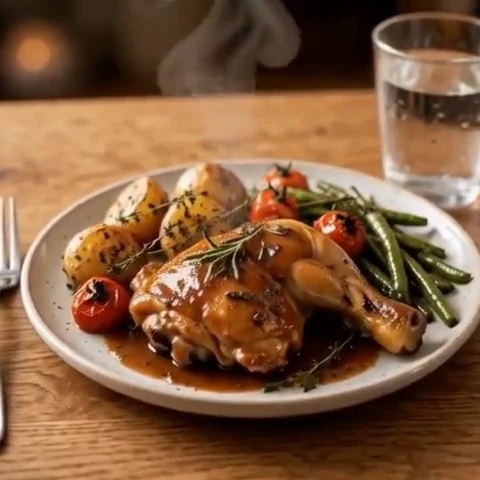
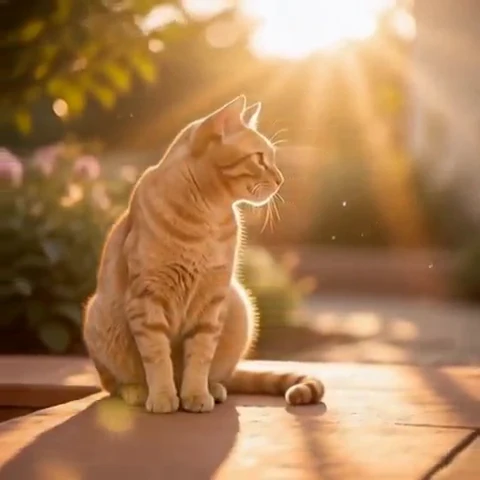
Peelaway motion examples. Open a clip to watch it and see its source image. These silent catalog previews show a creative direction; new Moments can include ambient sound.
Choose the model and workflow
Adobe’s Generate video workflow distinguishes the Firefly Video model from partner models in the same interface and provides model-specific settings. Select Firefly Video when following this guide. A capability offered by a partner model inside Firefly is not automatically a capability of Adobe’s own video model.
Adobe Firefly Video: official documentation and examples
Build the shot
Choose the model and available framing/camera options first. Describe subject, action, location and visual treatment in the prompt. If you use an image, align the requested shot with its composition. Check the selected mode’s audio controls separately rather than assuming audio is part of every video request.
- Keep camera settings and written camera direction consistent.
- Use material and lighting descriptions to define a style instead of a string of vague quality terms.
- Review products and lettering frame by frame before using a result in a campaign.
Six prompt and visual-style ideas
These are original prompt suggestions to adapt, not a benchmark or a record of outputs generated on this model. Replace the subject and use settings supported by your selected mode. The Peelaway previews on this page illustrate creative directions separately.
1. Cinematic observation
A cinematic medium shot of a florist trimming one stem at a worktable. Soft side light, muted green and cream colors, natural surface texture and a static camera.
2. Home-movie warmth
A warm home-movie scene of friends placing a picnic basket on a blanket. Subtle handheld character, faded colors and soft afternoon light.
3. Handmade miniature
A small clay tortoise takes one deliberate step across a miniature garden path. Matte handmade texture, warm studio lighting and a fixed low viewpoint.
4. Illustrated movement
A layered paper illustration of a red tram. The tram moves gently across the frame while the paper buildings remain still. Visible cut edges and shallow shadows.
5. Food and product detail
An unbranded perfume bottle on pale stone. A broad reflection moves softly across the glass while the bottle stays fixed. Restrained monochrome palette and studio lighting.
6. Atmosphere and place
A distant coastal lighthouse as a low bank of fog passes behind it. Cool dawn color, stable horizon and a slow observational pace.
Repair an overloaded prompt
An unclear starting request:
Static camera setting, but fly around the product and zoom out quickly.
A more specific version to try:
A fixed close view of an unbranded ceramic vase. A soft reflection shifts across its surface as a curtain moves outside the frame. Warm neutral background and gentle studio light.
The revised shot works with a static camera. If a moving view is essential, change the camera control and prompt together rather than leaving them contradictory.
Review the result before sharing
- Watch once for the whole action, then pause at the beginning, middle and end. Look for changing anatomy, objects and background geometry.
- Check the visual treatment over time: paper should remain paper, clay should remain clay, and faces should stay recognizable.
- If audio is present, listen separately for unintended speech or a sound that does not belong. Keep only a result whose motion and sound serve your purpose.
Try a related direction in Moments
For a short clip in Peelaway, choose a curated Moment or describe your own, then start with a photo, an idea, or both. Adapt one action from the recipe instead of importing a multi-shot editing workflow. The examples here are Peelaway catalog previews, not evidence of this external model’s output.
How to describe photo animation
Sources
Bring a photo to life
Pick a curated Moment or write your own. Start with a photo, an idea, or both.
Browse momentsKeep exploring
Photo animation prompts: describe motion, camera and sound
Write a clear photo-to-video prompt with one action, a camera instruction and atmosphere. Copy original recipes and learn how to repair conflicting directions.
How to make a short video from an idea
Turn a written idea into a short Moment. Establish the subject, scene and one action, then review framing, movement and ambient sound.
How to bring a photo to life with a short clip
Turn a photo into a short clip with ambient sound. Choose a suitable source, pick or write a Moment, and review motion and likeness before sharing.