Ideas, styles, and prompts
How to bring an old photo to life with gentle motion
Make a clean digital copy of the photo, keep its original proportions, and begin with a small gesture or a slight camera move. The aim is a respectful interpretation of the picture. Generated movement is new material, not a recovered recording of the person or event.
By Peelaway · Updated · Sources checked
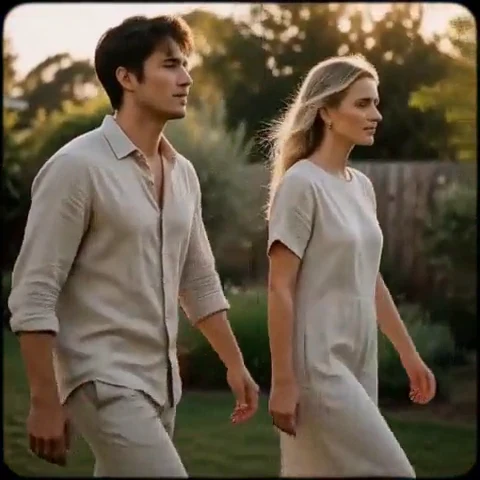
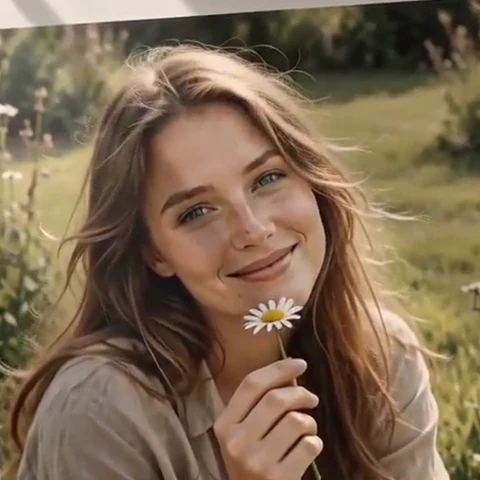
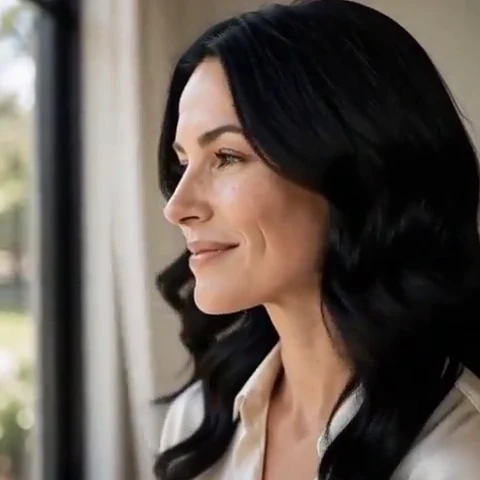
Peelaway motion examples. Open a clip to watch it and see its source image. These silent catalog previews show a creative direction; new Moments can include ambient sound.
Prepare the source before adding motion
Scan the print or photograph it straight on in even light. Keep reflections off glossy paper, include the full image area and save an untouched copy. Crop borders only when they distract from the scene. Heavy sharpening can turn grain into hard patterns that become distracting when animated.
- Check that eyes and mouths are readable at the size you plan to use.
- For a group photo, begin with a crop of one or two clearly separated people.
- Keep scratches and damage separate from the motion task. Moments is not a dedicated restoration workflow.
Choose a small change
Try a breath, a gentle glance or a slow push-in before asking a person to stand, speak or turn away. A front-facing photograph contains little evidence about the back of a head or the rest of a room. A larger action requires the model to invent those details.
The person in the photograph takes a quiet breath and makes a small, relaxed glance toward the camera. Keep the original clothing, hairstyle and setting. A very slow push-in, soft light and an unhurried pace.
Treat the supplied photograph as an album memory. Keep the people nearly still while the camera moves gently closer. Preserve the original monochrome appearance and the feeling of the print.
Check likeness, not just smoothness
Compare the original with several frames. Look at face shape, teeth, glasses, hairline, jewelry and garment patterns. A smoothly moving face can still be the wrong face. If you see drift, reduce the movement or change the source; keep the original photo alongside the animated interpretation.
Separate memory from generated performance
Do not label the clip as restored historical footage or imply that invented speech is what a person actually said. If you share it, describe it as an AI animation of the photo. Consider whether family members would welcome the treatment, especially for a person who has died.
Use the examples as motion references
Home Movie and Album Page below are Peelaway catalog examples that suggest a pace and mood. They are not restoration demonstrations or proof that an aged scan will produce the same result. Choose the example whose motion suits your actual source.
Create a short first take
Open a Moment, add the scan and a brief idea if needed. Review the shortest available take before choosing a different quality or making another. New clips can include ambient sound; listen for anything that changes the meaning of the memory.
Compare nostalgic still-image treatments
Sources
Bring a photo to life
Pick a curated Moment or write your own. Start with a photo, an idea, or both.
Browse momentsKeep exploring
How to bring a photo to life with a short clip
Turn a photo into a short clip with ambient sound. Choose a suitable source, pick or write a Moment, and review motion and likeness before sharing.
Photo animation prompts: describe motion, camera and sound
Write a clear photo-to-video prompt with one action, a camera instruction and atmosphere. Copy original recipes and learn how to repair conflicting directions.
How to make a short video from an idea
Turn a written idea into a short Moment. Establish the subject, scene and one action, then review framing, movement and ambient sound.