Digital · AI image style
Sprite Cinema
Expressive 16-bit pixel clusters and three aligned parallax bands give the source cinematic scale and light.
- 16-bit sprites
- parallax depth
- cinematic pixels
Start with a photo, an idea, or both. Sign in to generate.
Pixel art describes the visual treatment. Review pixels and dimensions before using the result as a game asset.

Works well with
Performance, food, craft, family activity, night scenes, and expressive subjects with clear environmental depth.
Choose another look for
Flat product cutouts, huge groups, featureless backgrounds, or sources where every small texture must remain literal.
Make it your own
Open Sprite Cinema, upload a photo to restyle or describe the image you want, then generate and review your result. Add a photo and a prompt together when you want to guide both the subject and the scene.
How to choose an image styleExplore this visual direction
Compare related looks before choosing your style.
More styles to try
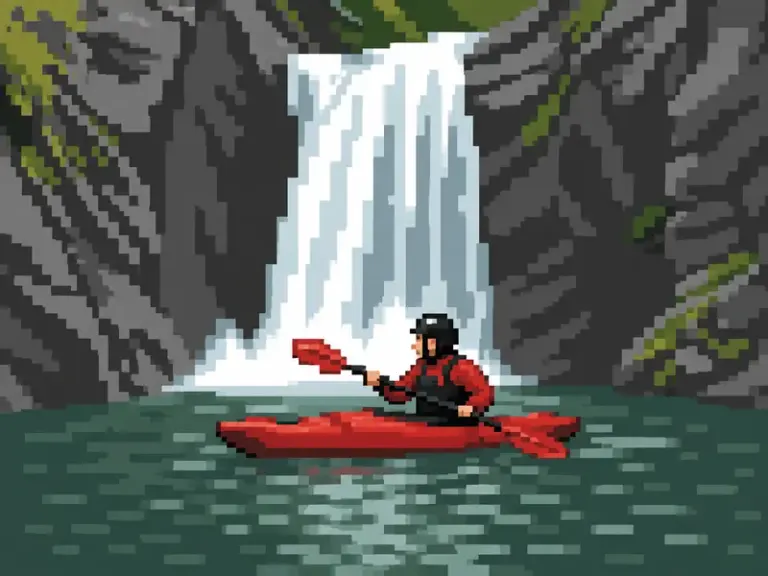
Digital
Pixel Quest
Colorful 8-bit-inspired tiles and a limited palette rebuild the source as a pixel-art scene.
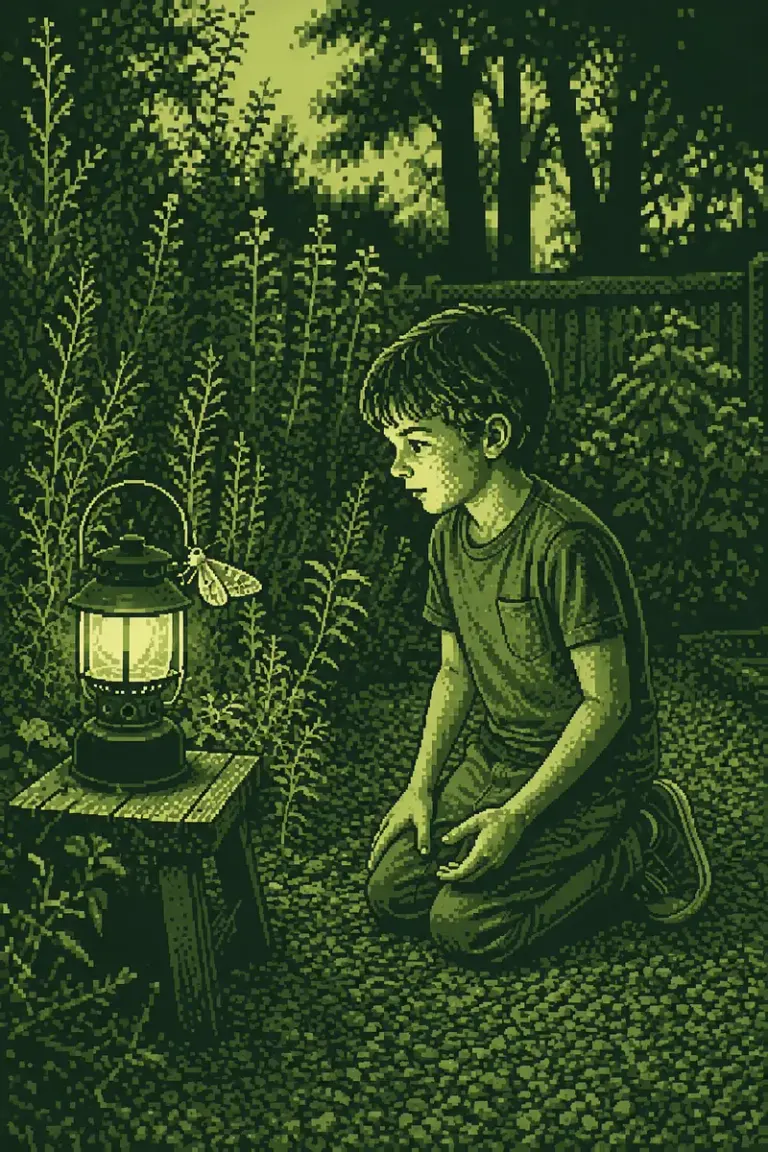
Digital
Pocket Dither
Exactly four quiet tones and three continuous depth bands recall a beautifully drawn pocket-screen scene.
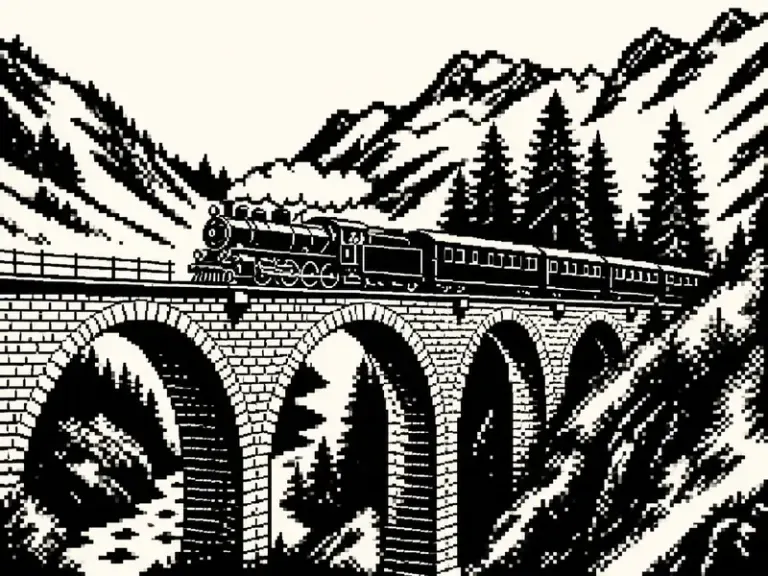
Digital
One-Bit Chronicle
Pure black and warm paper pixels turn the scene into a deliberate low-resolution drawing with sculpted dithered depth.
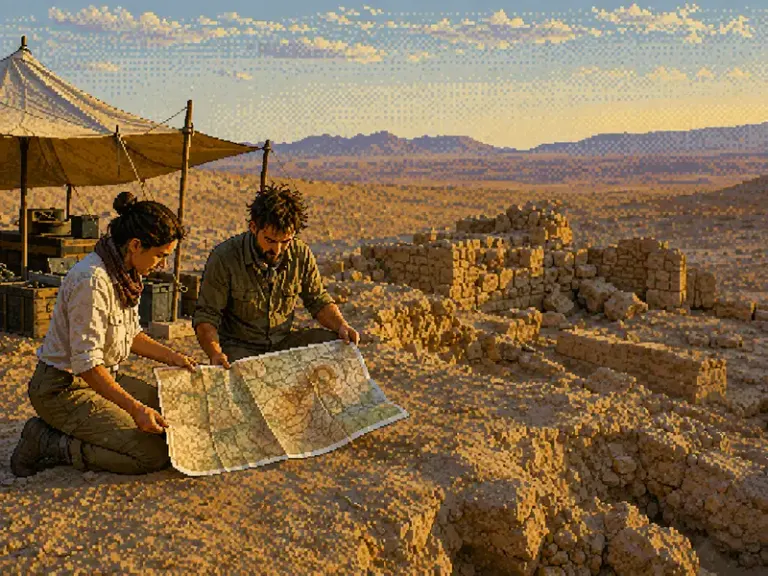
Digital
Indexed Dreamscape
A hand-authored 256-color world combines painterly pixel clusters, ordered dither, and an atmospheric establishing view.